1. See the event
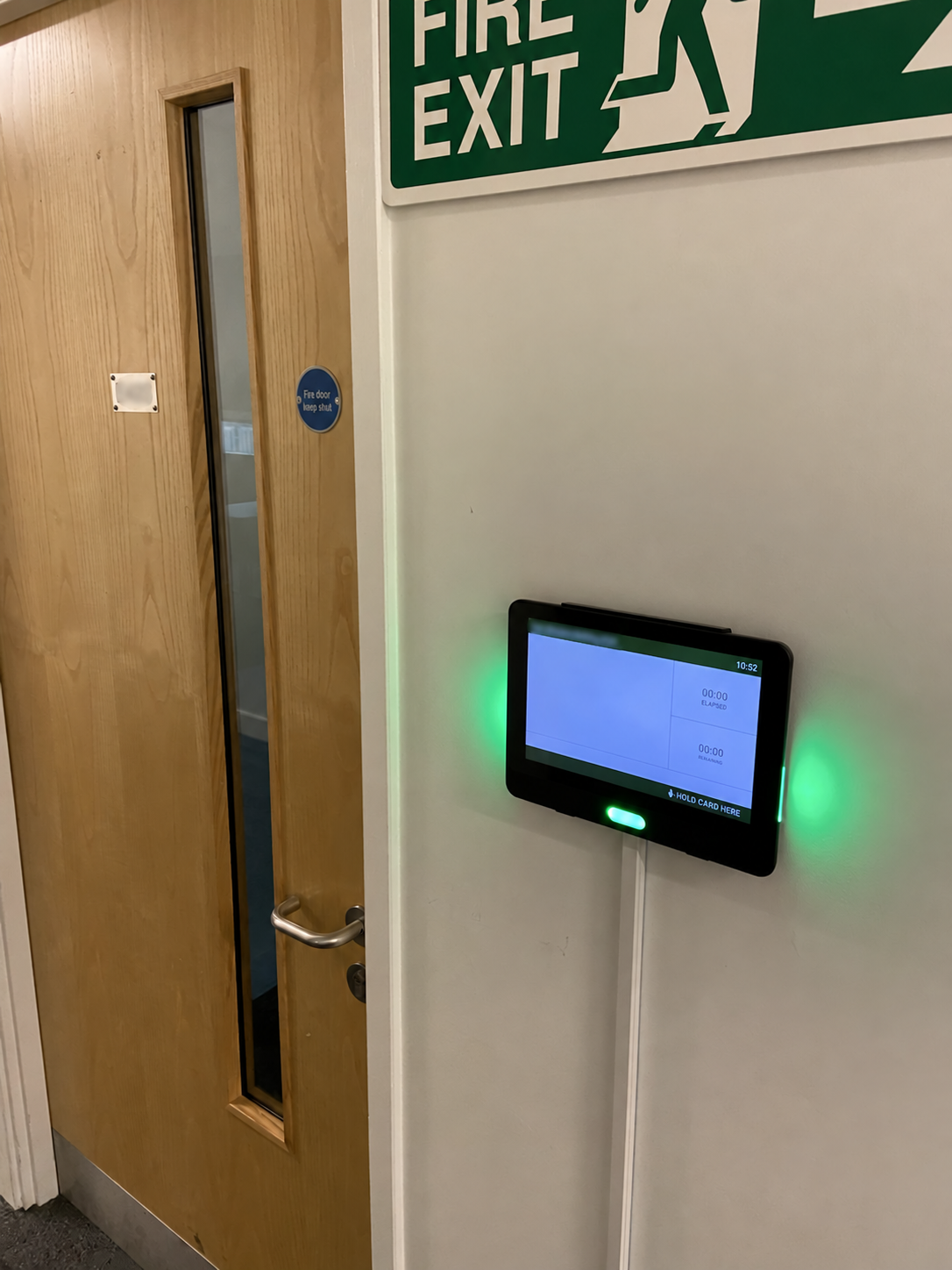
Students can see the event information on the screen at the entrance to their teaching space.
NFC ATTENDANCE DEVICES
Show students what is happening in the room and let them record attendance with their NFC-enabled card. A 10-inch display brings event information and check-in together at the room entrance.
FROM TIMETABLE TO REGISTER
The device receives event information from the Lumos cloud and displays it outside the room.
Students can see the event information on the screen at the entrance to their teaching space.
Students scan their card to mark attendance. Visible confirmation and the front-facing LED strip provide feedback when the card is scanned.
Attendance is sent back to Lumos in real time, so lecturers can see students who have checked in through the online register.
ROOM STATUS AT A GLANCE
Three bright LED strips provide room status and card-scan feedback: one on each side for visibility from a distance, and one facing forwards.
The room is available between events.
An event is about to begin.
An event is currently taking place.
These are the typical room-status colours. The front-facing strip also gives feedback when a card is scanned.
BUILT FOR YOUR TEACHING SPACES
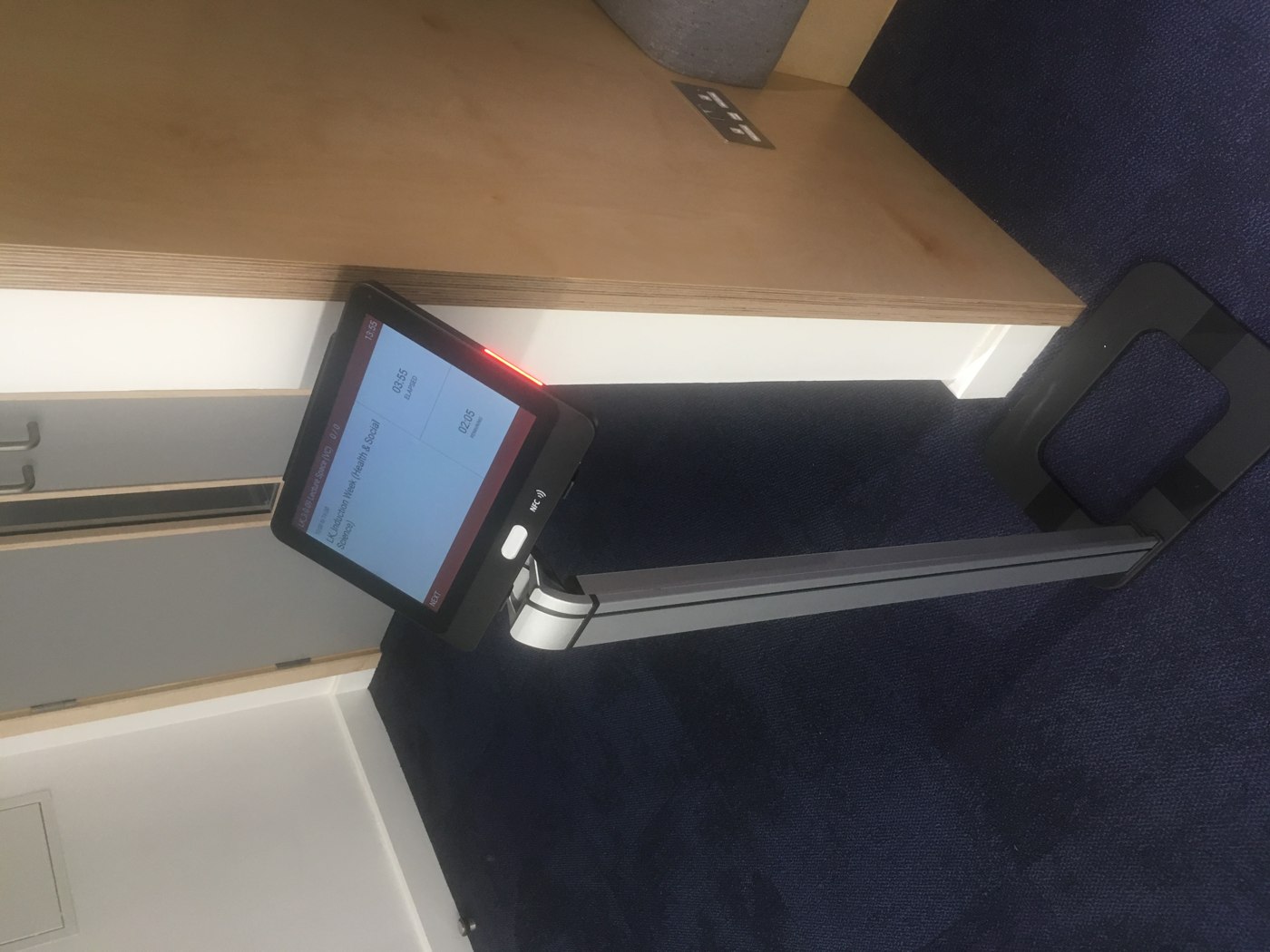
Choose wall or glass mounting, or a floor stand at the room entrance to suit the space.
Devices use Power over Ethernet (PoE) or mains power, with wired network or wireless connectivity. They do not rely on batteries.
A tamper-resistant design and kiosk mode keep the device focused on displaying room information and capturing attendance.
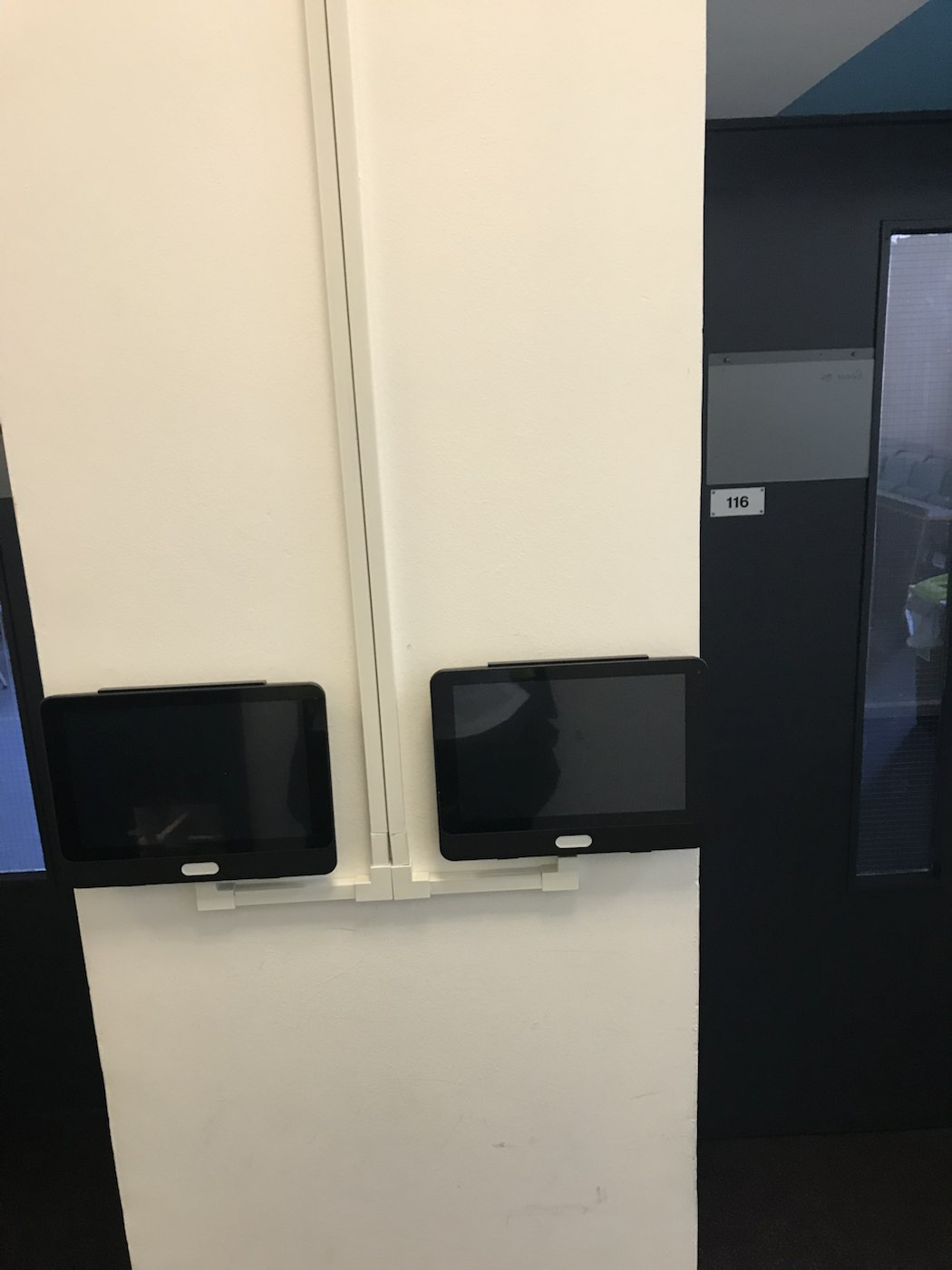
Deploy more than one device to the same room to give students several check-in points. This is particularly useful for lecture theatres and other large spaces where many students arrive together.
FOR IT & SYSTEMS TEAMS
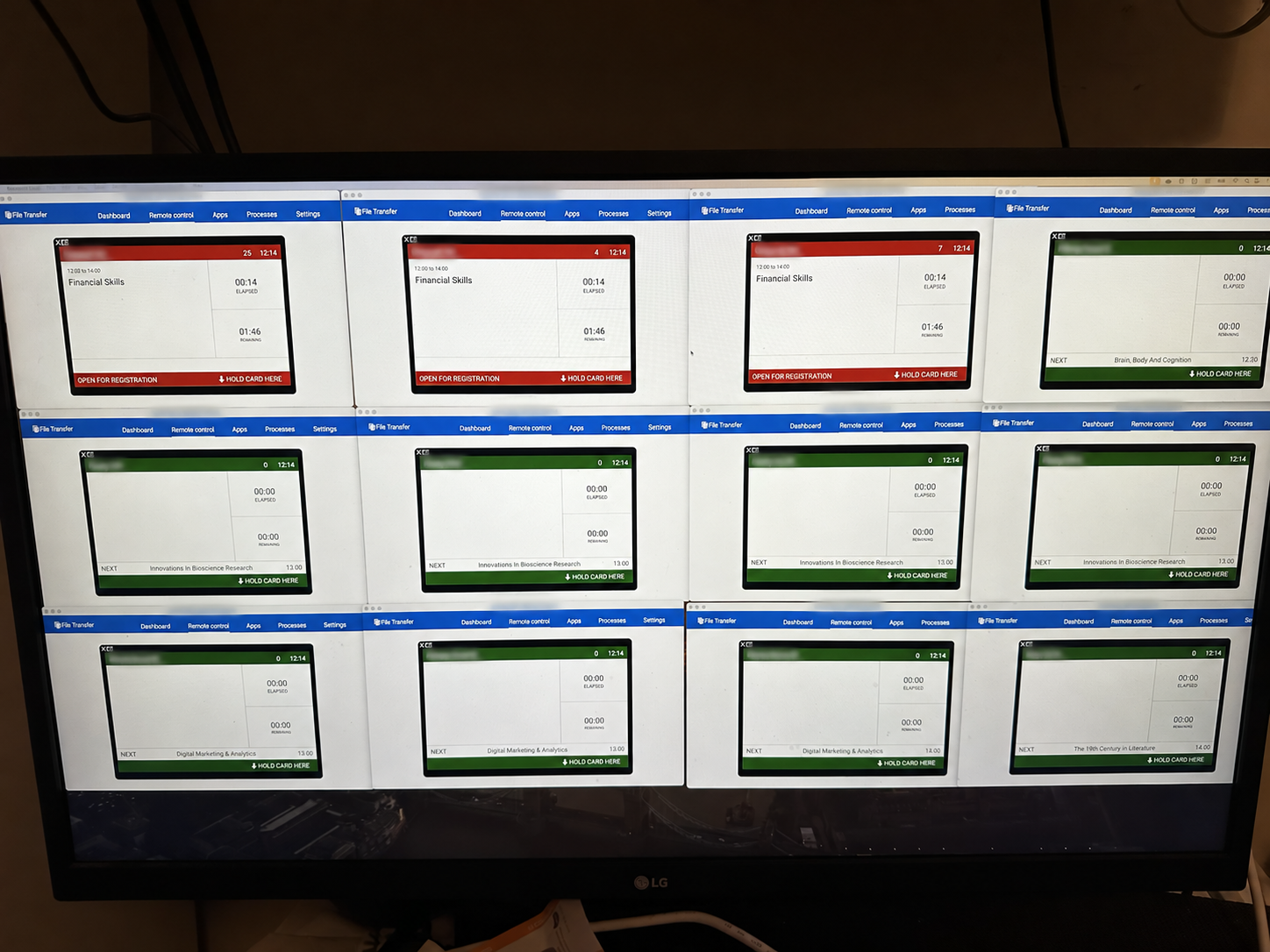
The Device Manager gives IT teams a complete overview of their devices, with real-time information across rooms and campuses.
Manage devices remotely, including rebooting them and updating their software.
Devices use a time server to keep their clocks accurate, supporting reliable attendance timestamps.
Devices run Lumos software, receiving event information from the cloud and returning attendance records in real time.
View multiple live device screens together to check what is being displayed and support devices across your estate.
ONE SYSTEM · DIFFERENT CAPTURE METHODS
Lumos Attendance is device agnostic. Mix and match capture methods across your rooms, campuses and teaching scenarios.
A large teaching space might use wall-mounted devices, while a smaller room uses a lecturer’s online register. Students can also mark their attendance with the AttendMe app. These methods feed into the same attendance system.
PLAN YOUR DEPLOYMENT
Talk to us about room entrances, student numbers, power, connectivity and the combination of capture methods you need.
Discuss NFC attendance devices ↗